

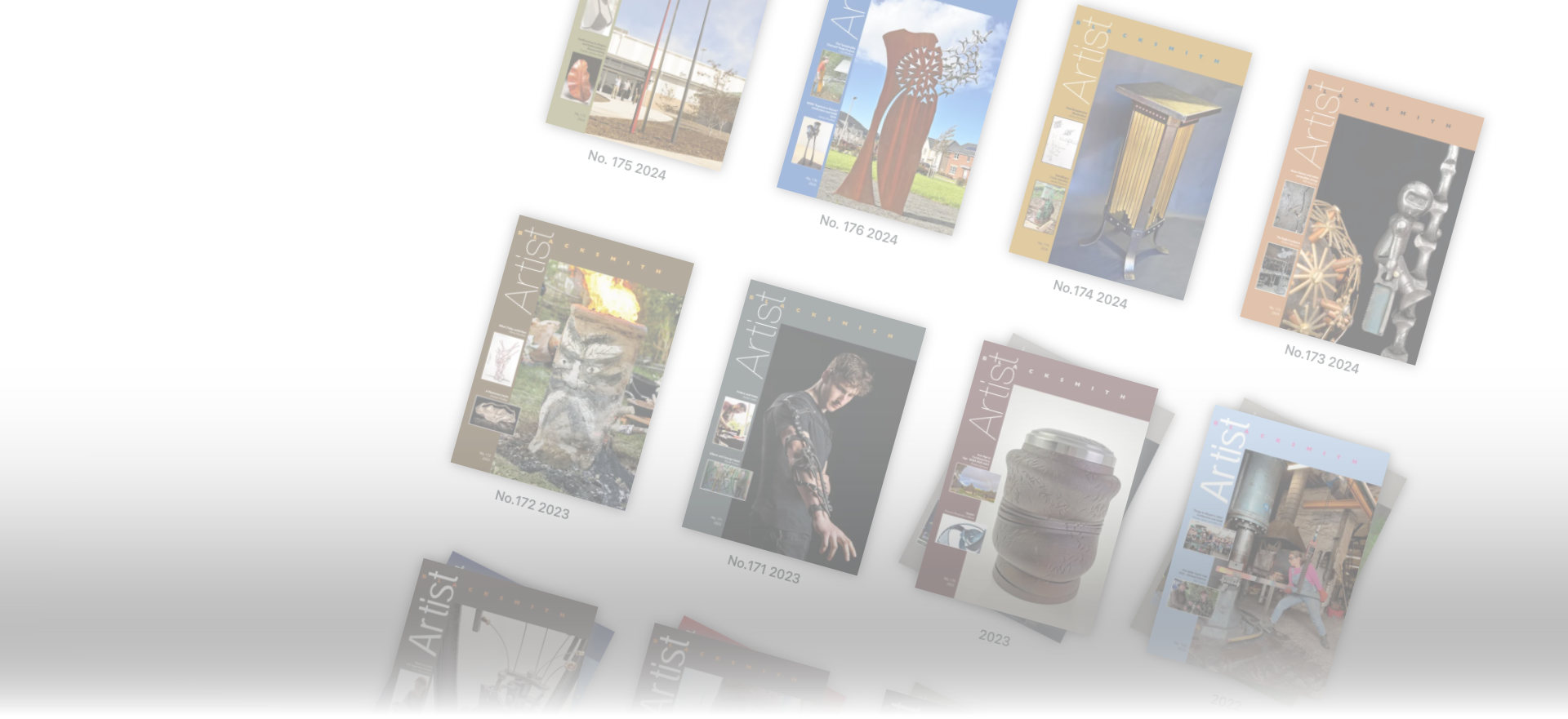
As a BABA member, you have access to a complete, easy to navigate and fully searchable archive of the BABA magazines from “British Blacksmith” No1 to the recent issues of “Artist Blacksmith”
As part of the re-build of the website, we have subscribed to "Exact Editions", an integrated content management platform for magazine and book publishers.
The Exact Editions system processes PDF files of each issue supplied by BABA, and stores images and text in a database, ensuring that the digital edition of the magazine looks exactly the same as the print edition. The result is an easy-to-use arrangement.
If you'd like an overview, read on...

Stacks
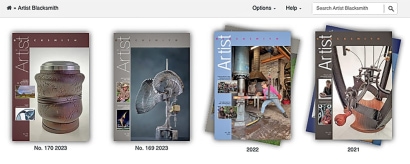
When opening the archive, the first view you see contains “Stacks” of the magazine, grouped by decade.
Issues from the current year are shown individually at the top on the left.
Clicking on any decade shows more stacks, grouped by year
Issues in a given year
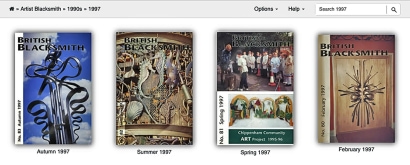
Clicking on any year will bring up all the issues from that year
Thumbnail View
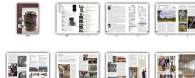
This gives you a view of all the pages in one issue.
Scroll down to see more pages.
Clicking on any thumbnail will take you to that page.
The Bottom toolbar
When viewing any issue, you will see the toolbar at the bottom to help you move forward, back, to choose another view or to print


Single / Double Page View
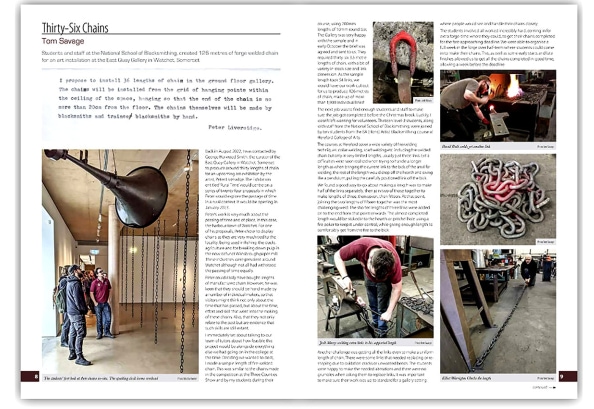
Clicking on the single/double page icon toggles between double pages as shown here, or one single page.
As an aid to the visually impaired, at the bottom of each single-page view, there is a plain text version with the option to have it read aloud. There is also a “Plain text” link. Clicking on this link brings up the full text of that page minus photos but including photo captions.
Swipe-Through View
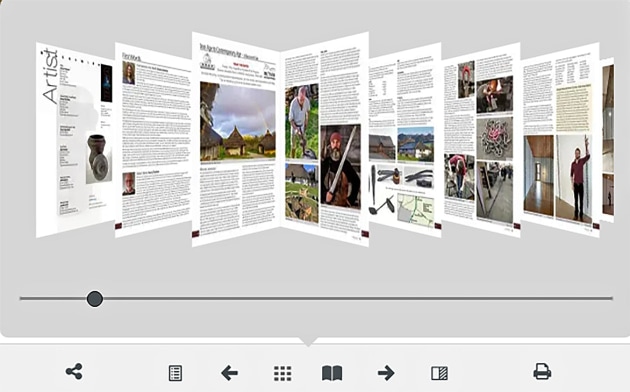
This gives you a view as if leafing through.
Swipe using the slider to the page you want, click on it and you are taken to that page.
Contents Page
You will notice the orange border around page numbers and contact details. These are live links.
Clicking on a page number, takes you to that page.
Clicking on a person’s email address or phone number, will prompt either an email or a phone call to that link.
Other orange bordered links may also be found within articles, linking to websites mentioned.
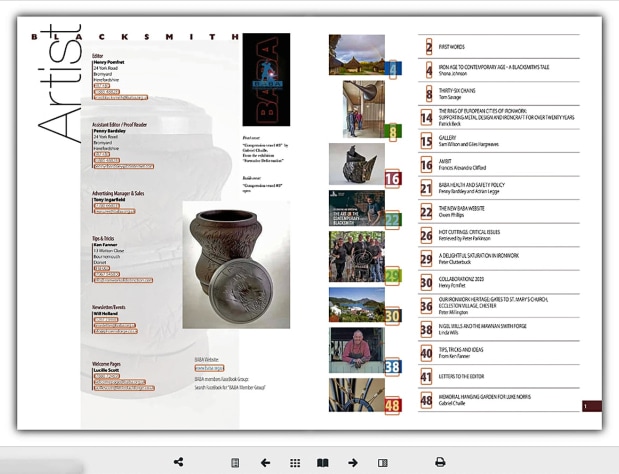
THE TOP TOOLBAR - Navigating
The left-hand side of the toolbar at the top tells you where you are within the archive. Clicking on any item in the trail will take you to that spot, whether it be the issue, the year, the decade or back to the entire archive.
At the top right is the search box

Searching
Use the search box in the top right-hand of the toolbar to search for a word, a phrase or something more elaborate.
Note that enclosing a phrase such as "Crafts Council" in quote marks will search for that exact phrase.
Using 'and', 'or' & 'not' can help to refine a search
For example:
| Tenon | Pages which contain the word tenon |
| Tenon rivet | Pages which contain both tenon and rivet |
| "Spring swage" | Pages which contain the exact phrase "spring swage" |
| Art or Craft and Jerwood or “Crafts Council” | Pages mentioning either Crafts Council or Jerwood Arts in relation to either art or craft |
| “Alan Evans” and “St Pauls” | Pages mentioning Alan Evans as well as St Pauls |
| "BABA AGM" not "Holme Lacy" | Pages covering AGMs not held at the National School of Blacksmithing, Holme Lacy |
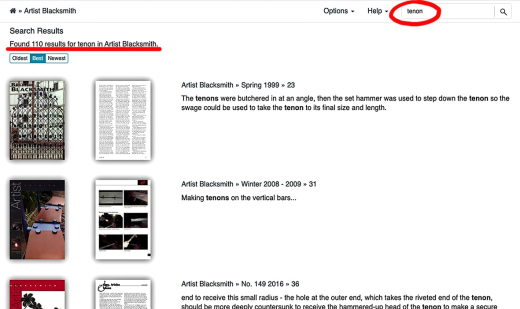
Note that each search result shows the cover of that issue.Clicking on the cover gives you the whole issue.
If you search from "Artist Blacksmith", you will find results across the whole archive.
To search within a particular year or issue, navigate to that year or issue before you search.